Schritt 1: 48x48 Bild in GIMP öffen und die 16x16 und 32x32 Varianten per "Als Ebenen öffnen" hinzufügen.
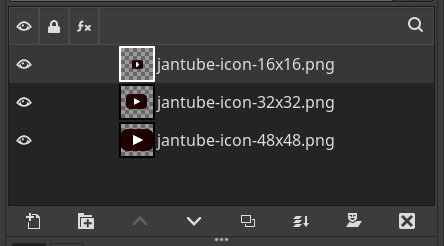
Schritt 2: Layer in GIMP dieser Reihenfolge anordnen: 16x16, 32x32, 48x48
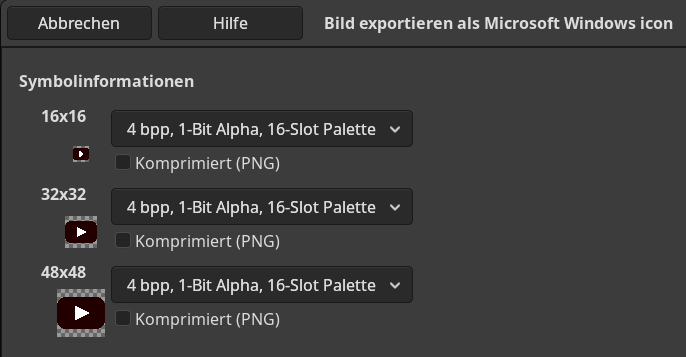
Schritt 3: als "favicon.ico" exportieren mit 4bpp, 1-Bit-Alpha, 16-Slot Palette